
Approvers set up
What’s included in this guide
Video guide
Adding /Amending Authorisation Users
Tables can't be imported directly. Please insert an image of your table which can be found here.
SettingsAuthorisation Users New User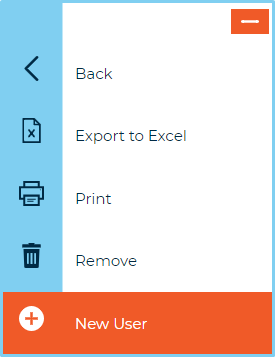
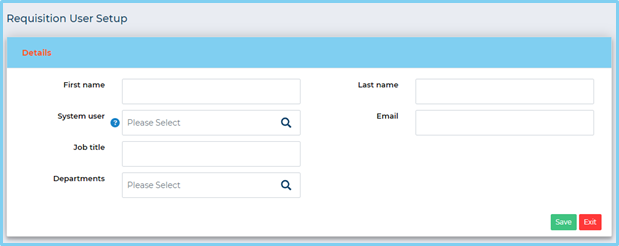
A new window will appear. Add all required information and press Save.
- First and last name: these fields are required. For ease when finding corresponding records, try to use the same details that were used when creating the system user
- System user: approval user profiles are linked to the corresponding system user by selecting the system user from this look-up field
- Email: enter the email address of the approver – this is a mandatory field
- Job Title: this is not a required field but can be used to capture this data if required
- Department: this is not a required field but can be helpful when creating approval templates
Deleting a User
Deleting a user will remove them from the system. To remove a user, simply check the box next to their name and select Remove from the left-hand menu.

(125 KB)