
To unlock your account, please follow the steps below.
- Visit the Sign in page at the top right of the screen.
- On the sign-in section, follow the Forgotten your password link. This will allow you to create a new password and will also unlock your account.
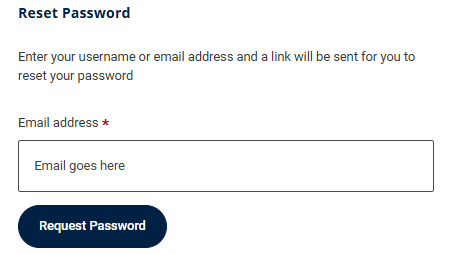
Read the following guide for further guidance: Forgotten password
If you are still experiencing a problem, please contact the relevant recruitment team at the company you are applying to and they will be able to unlock your account for you.
If you do not have the Recruitment Team's contact details, please contact our Support Team. When contacting us, please provide the name of the organisation you are applying to and, where applicable, the Recruitment Board to help us direct your enquiry.