
Job alerts in Jobtrain help you stay up to date with new opportunities that match your interests.
- Register for job alerts either when creating your account or by logging into your profile and selecting My Job Alerts.
- Create an alert by choosing your preferred criteria.
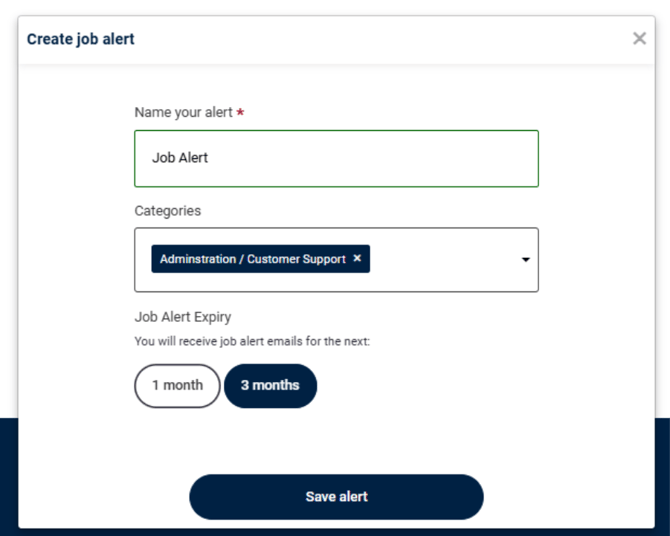
- Once saved, you’ll receive email notifications whenever new roles matching your criteria are posted.
- You can update or remove your alerts at any time by returning to your Jobtrain profile.
Job alerts are a good way to make sure you don’t miss opportunities that are relevant to you.
Please note: Job alerts will only trigger when all selected criteria are met.