
If you are an employee of the organisation but cannot view or apply for internal vacancies, your candidate profile may currently be registered as an external candidate.
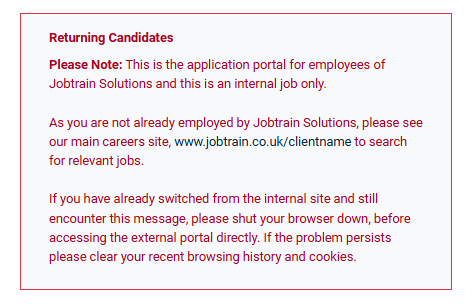
Please contact the Recruitment Team and provide details of your employment. The team can verify that you work for the organisation and, if appropriate, update your candidate profile to internal status. Once your profile has been updated, you will be able to access and apply for internal opportunities.
Please contact our support team if you require contact details for the Recruitment Team. Please provide the name of the organisation you are applying to and, if necessary, the Recruitment Board also.