
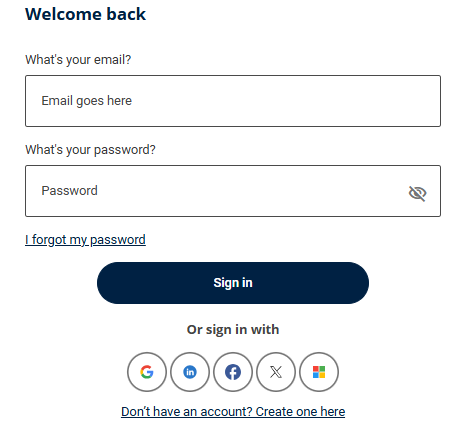
If you have forgotten your password, select the I forgot my password link on the sign in page:
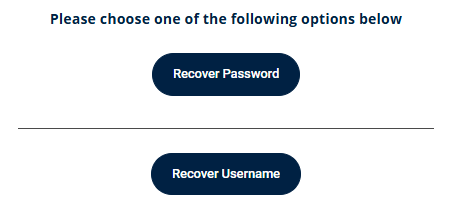
Select the relevant option to you:
Enter the email address associated with your account and select Reset password. If an account exists with that email address, you will receive an email containing instructions to reset your password.
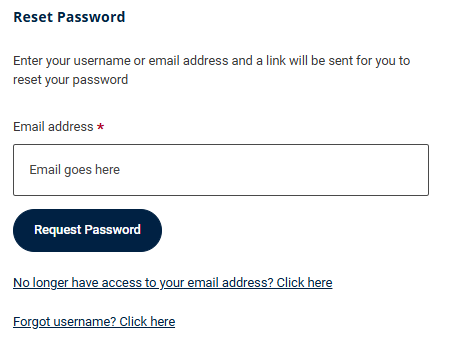
If you do not receive the email within a few minutes, please check your junk or spam folder in case it has been filtered there or deleted on arrival.
Once the link within the email has been accessed, you will be taken to a page requesting a security code. This will arrive in a second email.
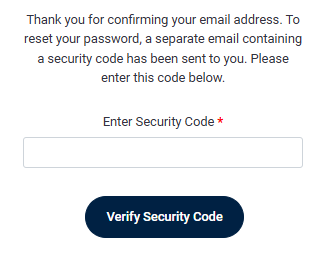
Enter the security code and proceed to update your password as required.
Please note: if multiple security codes have been generated, only the most recent code will work and previously generated security codes will not match as required.
Jobtrain does not have access to your security code.
If you no longer have access to the email address registered on your account, or you continue to experience problems resetting your password, please contact our Support Team and we will help.