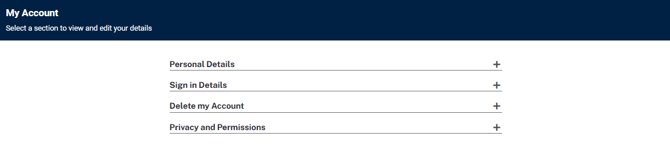
Once your account has been created, this can be accessed via the drop-down menu in the right-hand corner of the page.
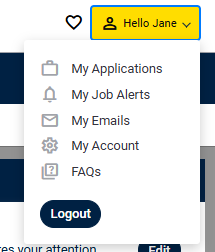
Within this drop-down you will have access to your applications, job alerts, email inbox and further account details and preferences.
My Applications
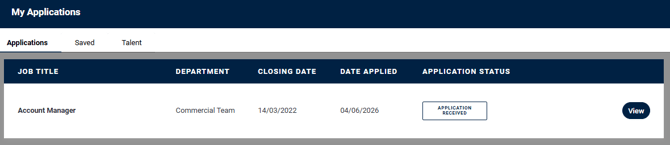
Any applications made will appear within your My Applications page.
Here you can get updates on the application status, alongside being able to view the application and any additionally requested details.
My Job Alerts
Job alerts can be created and managed from this area.

My Emails
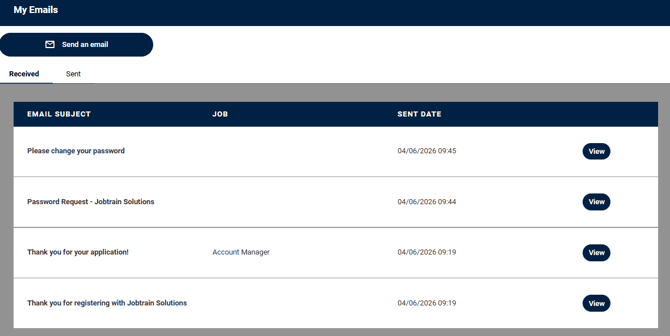
Email communication will be sent directly to the registered email, along with being stored in the My Emails area.
My Account
Further account details, such as your personal/sign in credentials can be updated in this area. You can also delete your account or review your privacy and permissions here.
Please note, deleting your account is permanent. It removes your applications and history and cannot be undone, so only do this if you are sure.