
My application has not been submitted
Please ensure you have clicked all I agree in the declaration on the submission page.
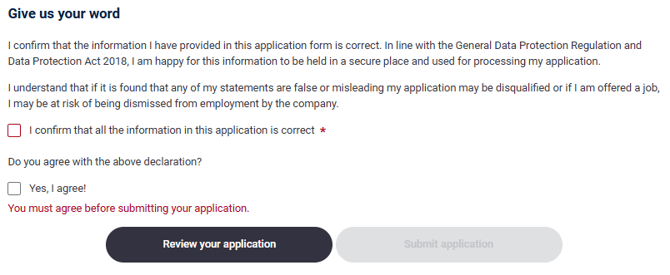
I have completed all sections of the application form but I can’t submit my application. There is no option to click 'I agree'
Has the closing date for the job passed? If it has, then you will not be able to submit your application.
Alternatively, check if any mandatory sections of the application form have not been completed. If so, this should be highlighted as outstanding or be indicated by any red mandatory requested fields.
Please note: if copied from a previous application or parsed from a CV please be sure to confirm all details have been entered as expected.
Education and Employment details should be checked to make sure all date fields have pulled through correctly.