
Log into your candidate profile (if you cannot remember your password, please click the forgotten password link on the login screen)
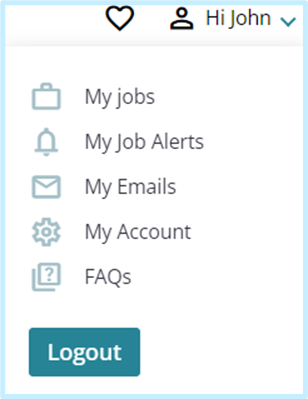
Select your name in the upper right corner of the page and then My Job Alerts:
From here you can review, amend & delete your job alerts:
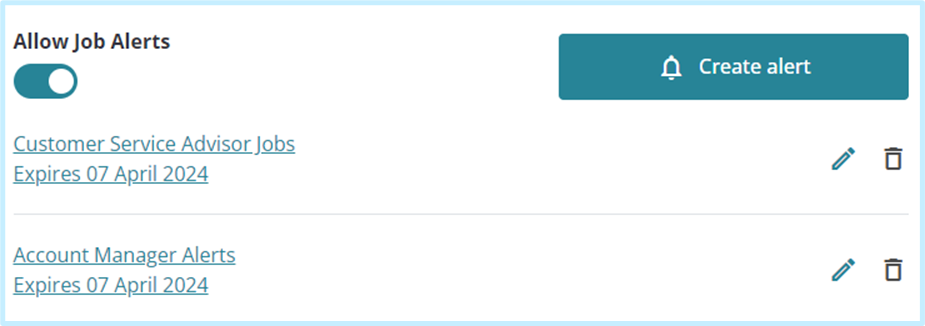
You can disable all alerts by using the Allow Job Alerts toggle.
Select the relevant icons to delete/ edit your alerts.
When editing alerts, you can amend the criteria of jobs you receive alerts about and the expiry period.
If a job alert is edited this refreshes the Job Alert expiry date from the date the changes were made. You will be able to see the new expiry date listed on your My Job Alerts page.